Customization
Atom is designed to be highly extensible and customizable via Lua. The primary configuration file is located at ~/.config/atom/init.lua.
The init.lua File
When Atom starts, it looks for ~/.config/atom/init.lua and executes it. This file is used to set options, define keymaps, and add snippets.
Options (vim.opt)
You can configure editor behavior using vim.opt.
-- Example options
vim.opt.colorscheme = "gruvbox-material"
vim.opt.number = true
vim.opt.relativenumber = true
vim.opt.cursorline = true
vim.opt.wrap = true
vim.opt.tabstop = 4
vim.opt.shiftwidth = 4
vim.opt.expandtab = true
vim.opt.ignorecase = true
vim.opt.smartcase = true
vim.opt.undofile = true
vim.opt.signcolumn = true
vim.opt.mouse = true| Option | Type | Description |
|---|---|---|
colorscheme | string | The theme to use |
number | boolean | Show line numbers |
relativenumber | boolean | Show relative line numbers |
cursorline | boolean | Highlight the current line |
wrap | boolean | Wrap long lines |
tabstop | integer | Number of spaces for a tab |
shiftwidth | integer | Number of spaces for indentation |
expandtab | boolean | Use spaces instead of tabs |
autoformat | boolean | Enable/disable autoformat on save |
ignorecase | boolean | Case-insensitive search |
smartcase | boolean | Override ignorecase when pattern has uppercase |
undofile | boolean | Persist undo history across sessions |
signcolumn | boolean | Show the sign column (git/diagnostic indicators) |
mouse | boolean | Enable mouse support |
showmode | boolean | Show current mode in the statusline |
laststatus | integer | Statusline visibility (0 = never, 2 = always, 3 = global) |
Keymaps (vim.keymap.set)
You can define custom keybindings for different modes.
-- Syntax: vim.keymap.set(mode, lhs, rhs)
-- mode: "n" (normal), "i" (insert), "v" (visual)

vim.keymap.set("i", "jk", "ExitMode")
vim.keymap.set("n", "<C-s>", "Save")
vim.keymap.set("n", "<leader>ff", ":TelescopeFiles")
Snippets (vim.snippet.add)
Atom supports custom snippets for different file types.
-- Syntax: vim.snippet.add(filetype, trigger, display_name, body)

vim.snippet.add("rs", "fn", "Function", "fn ${1:name}(${2}) -> ${3:()} {\n\t$4\n}")
Advanced Customization
Themes
Atom supports several built-in themes:
Catppuccin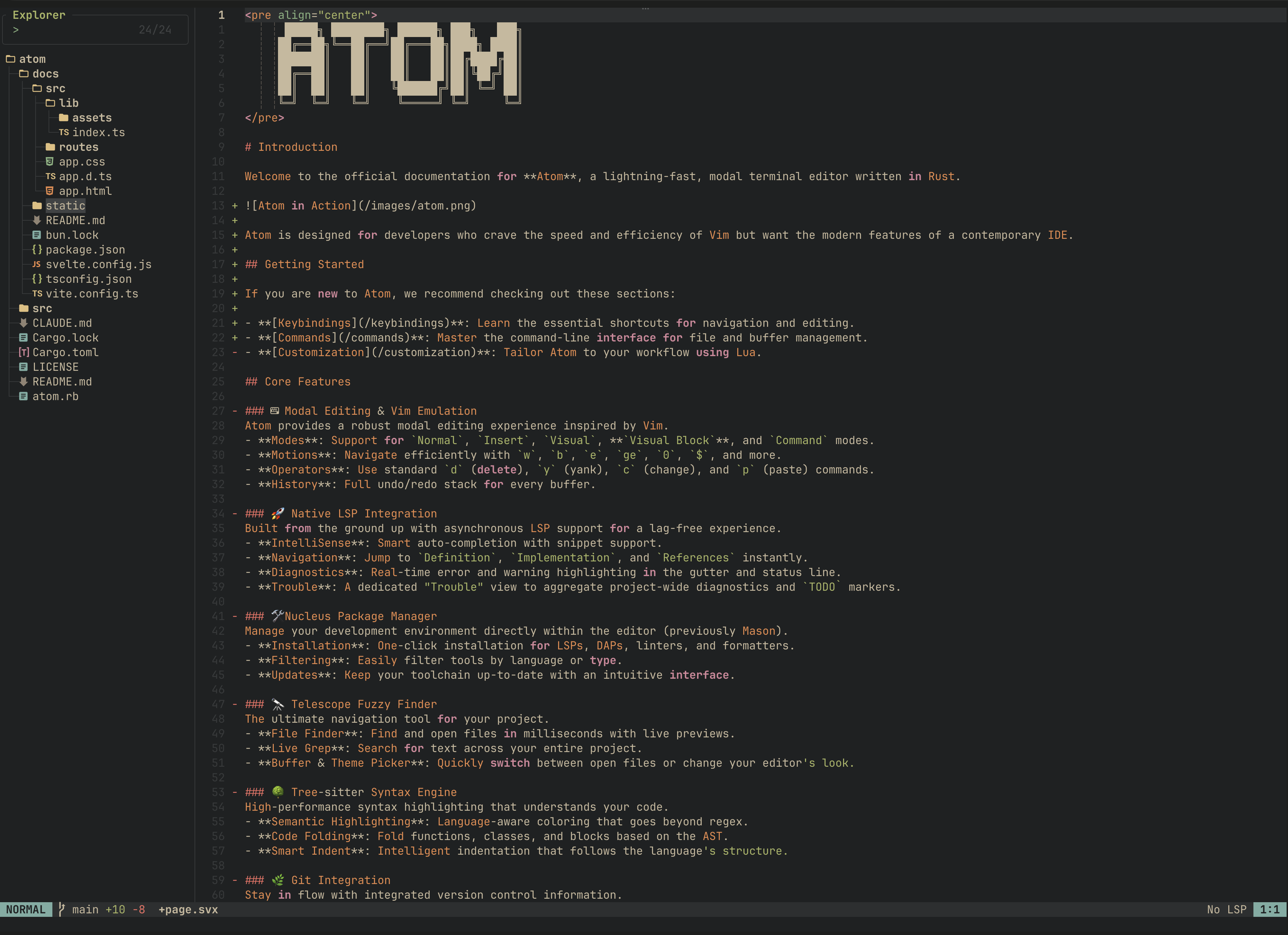
OneDark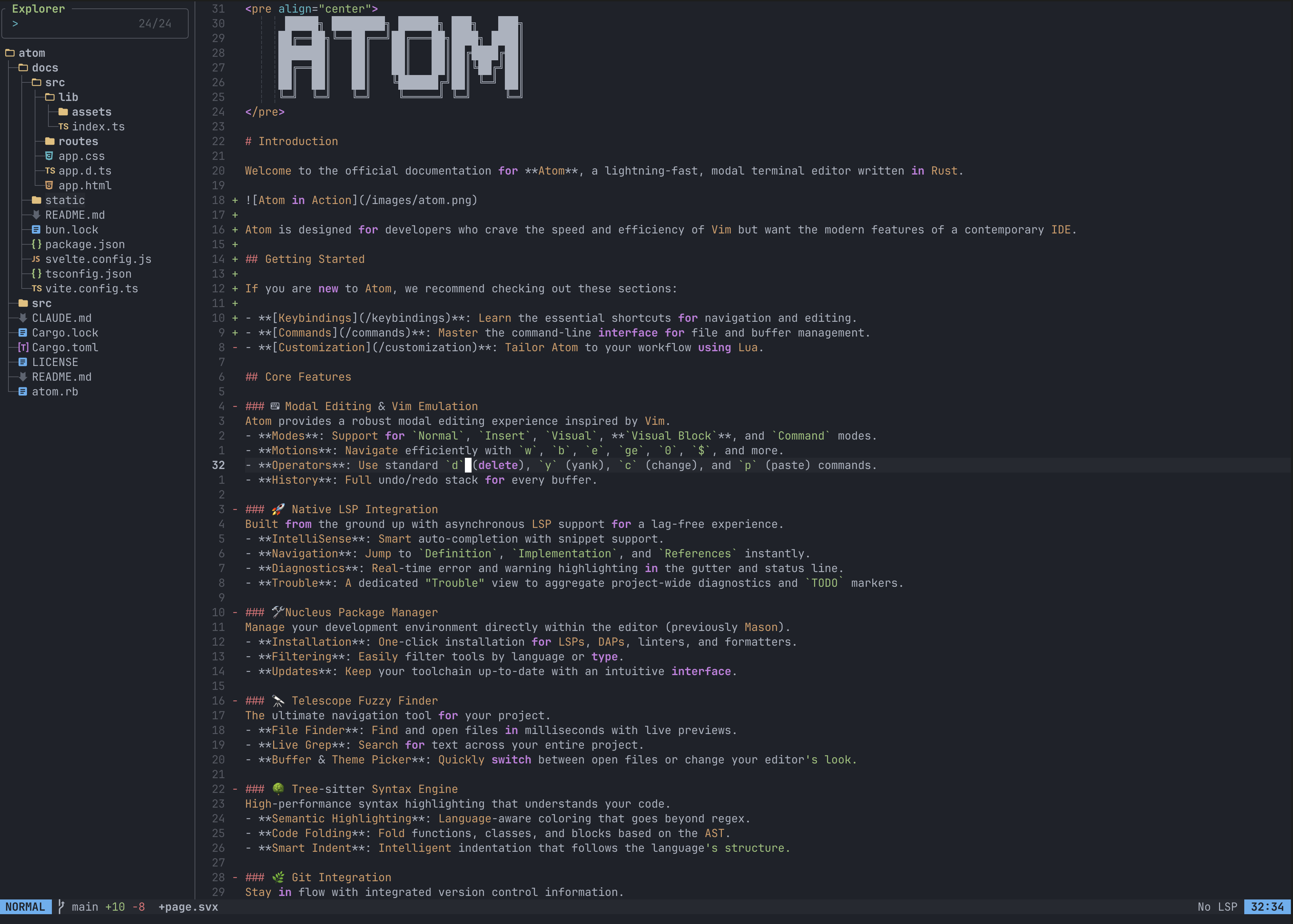
Ayu Dark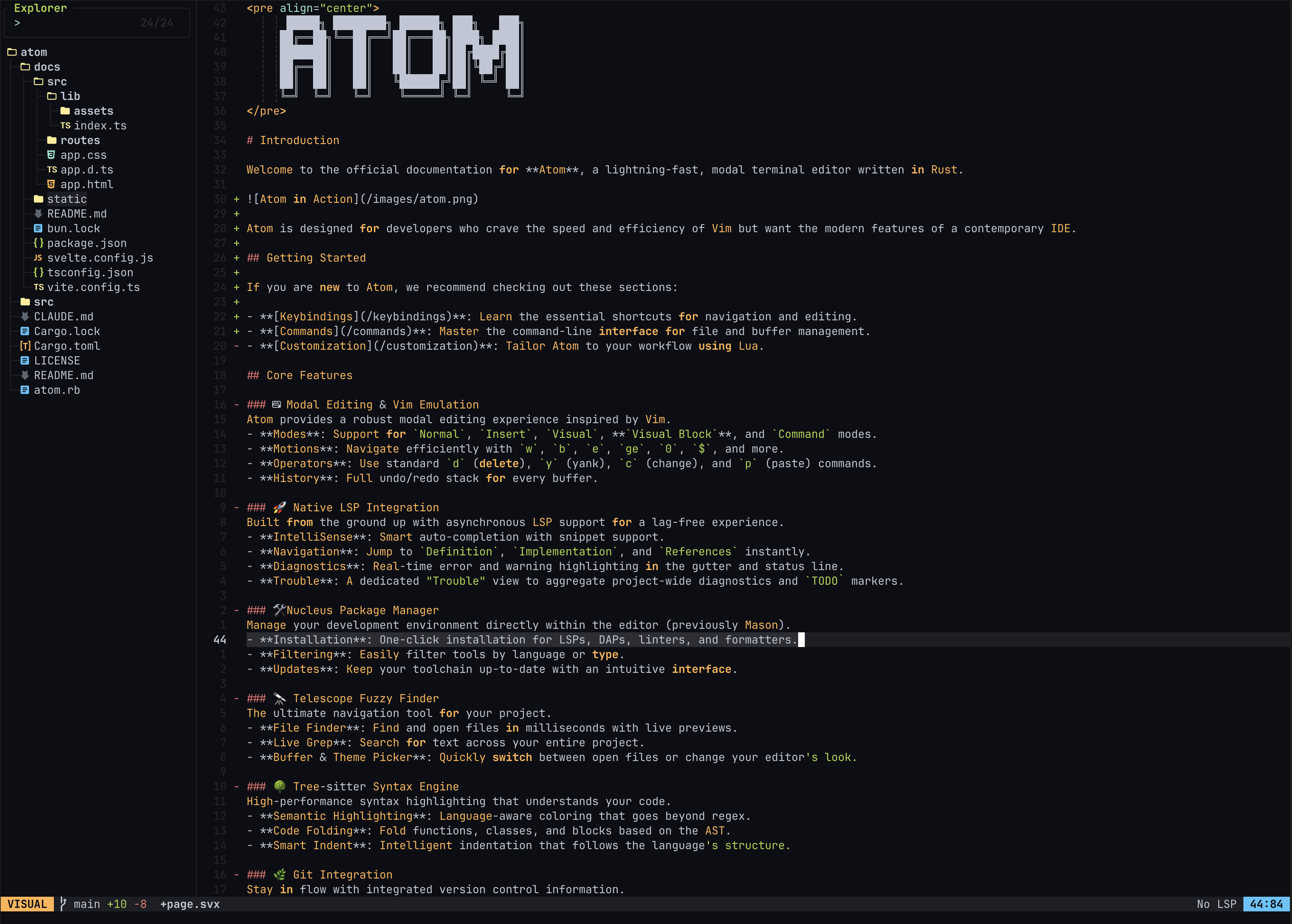
Gruvbox Material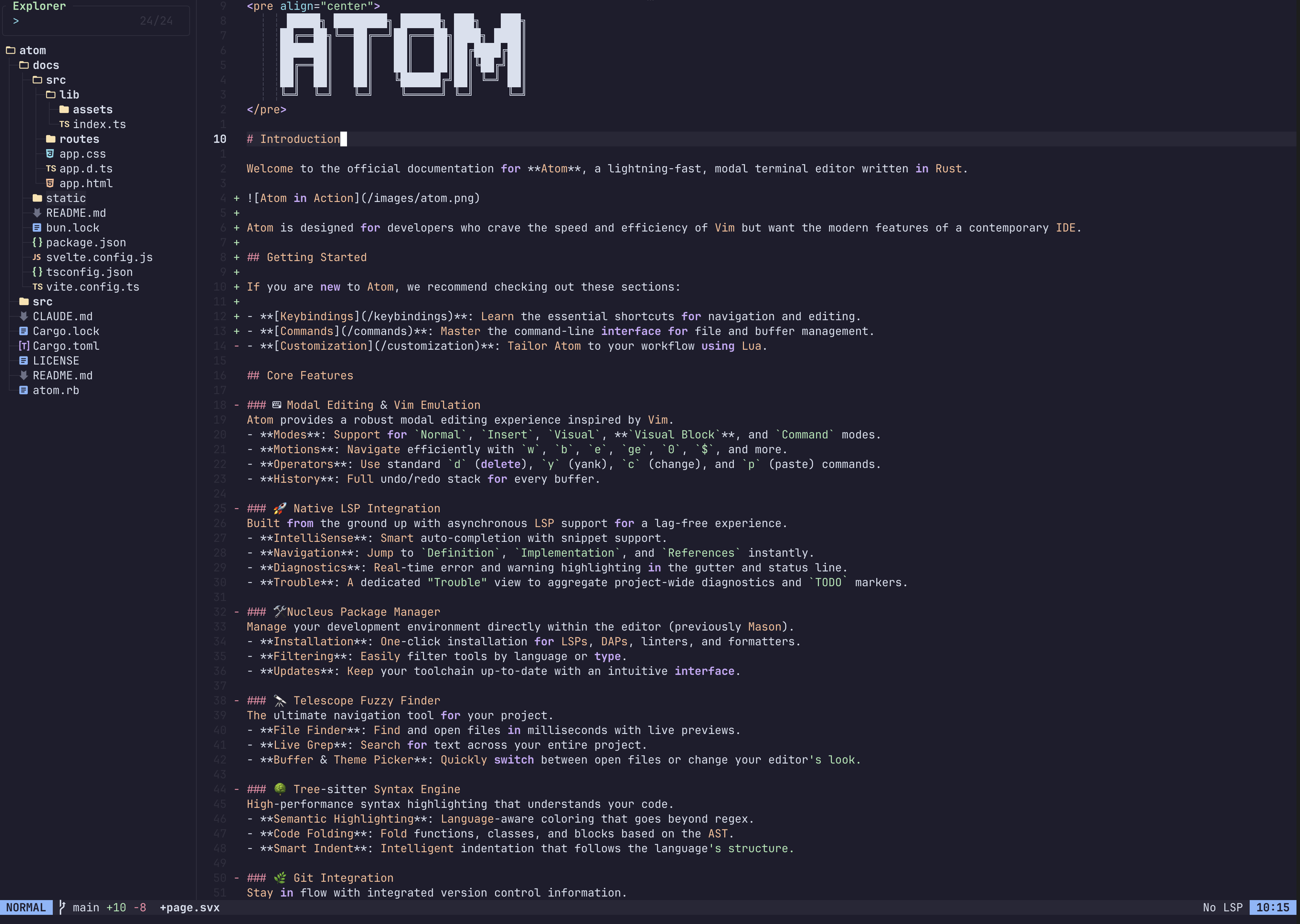
TokyoNight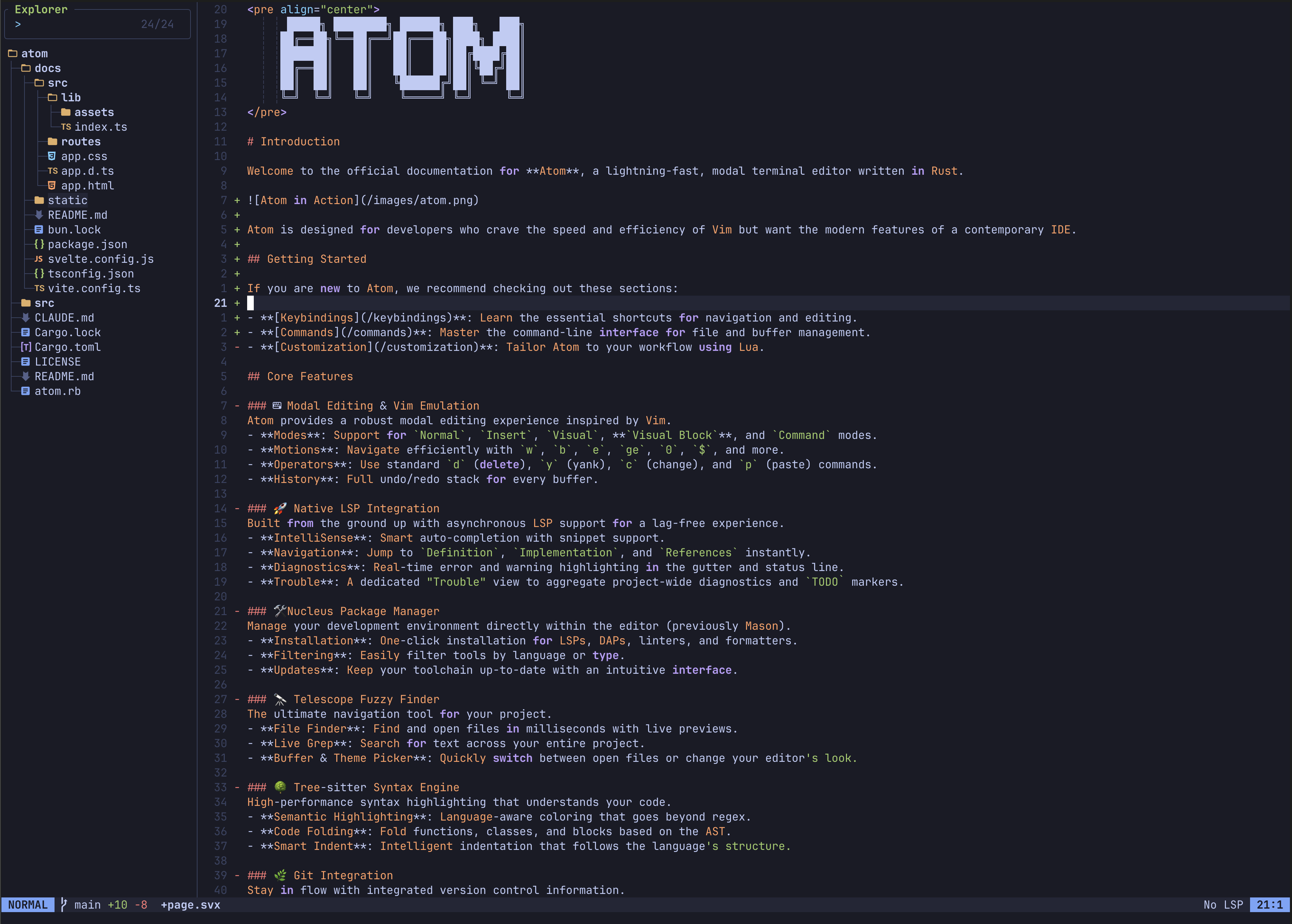
Everforest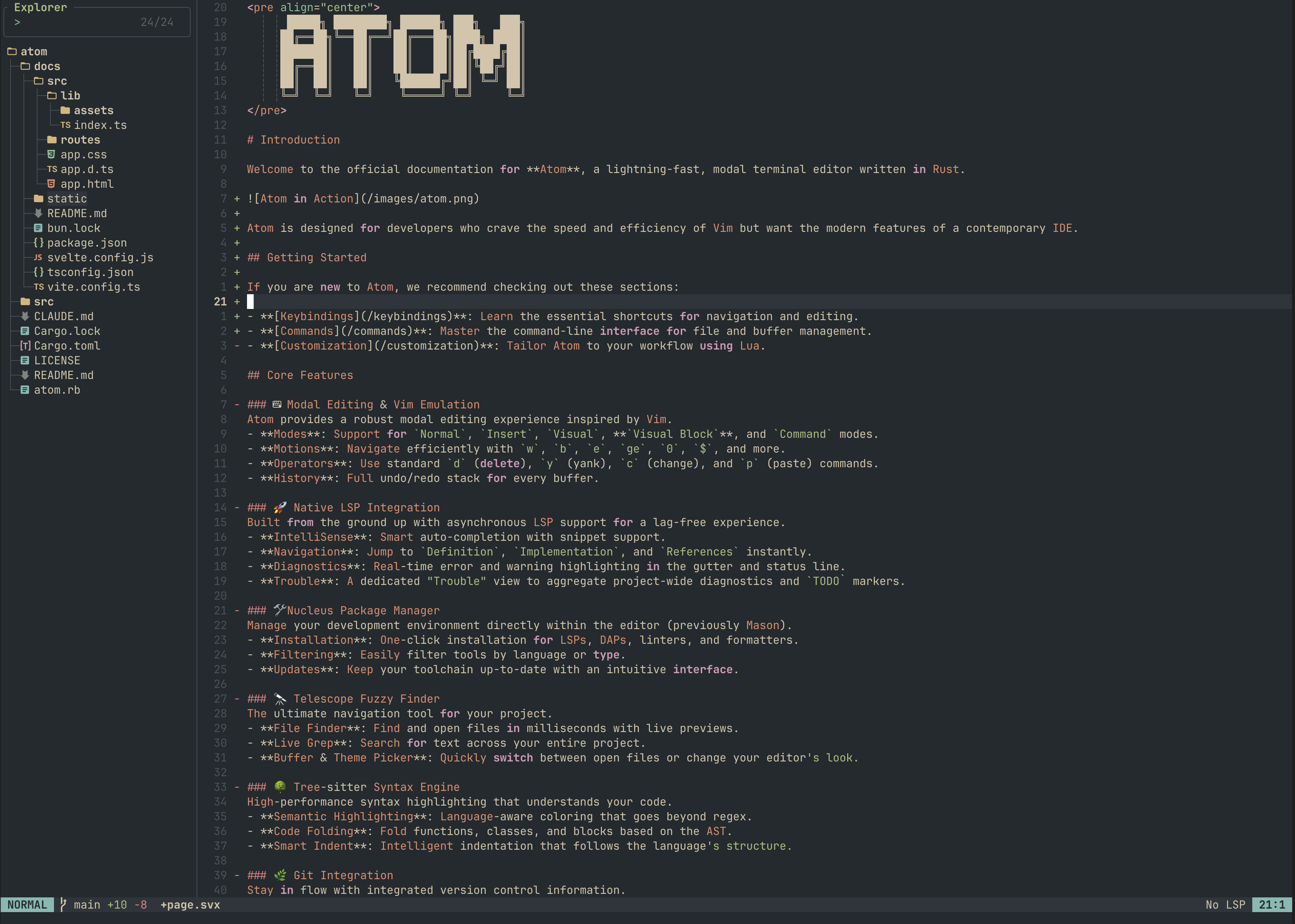
Set the theme in init.lua or switch at runtime with :colorscheme <name> (or :colorscheme with no argument to open the interactive picker).